
SOFOS 360
The Articles screen
You can access this screen under Stock > Article. It is similar to the Substance tab, but instead of the Legal Code, you will see the Article Code.

To view more information about a substance, right-click on the header row of the article overview. This will display the following popup menu:
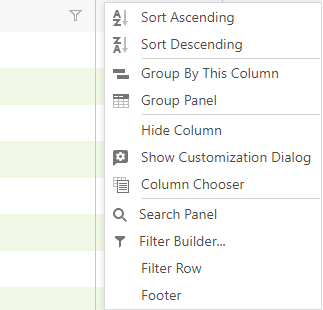
When you select Column Chooser, a list of Columns will be displayed, allowing you to choose which your columns to add in the article overview. You can add a new column by dragging the desired column to the head row.
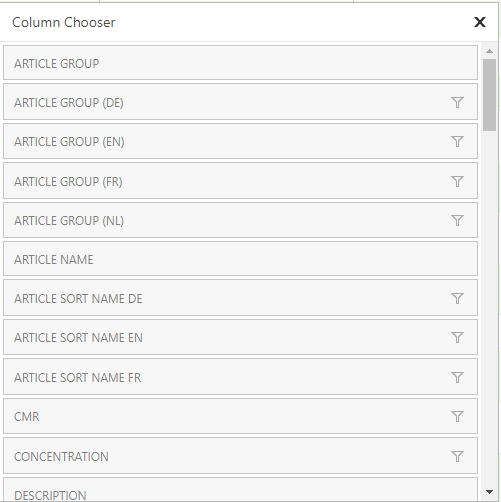
You close this window by clicking the X icon on the top right corner.